
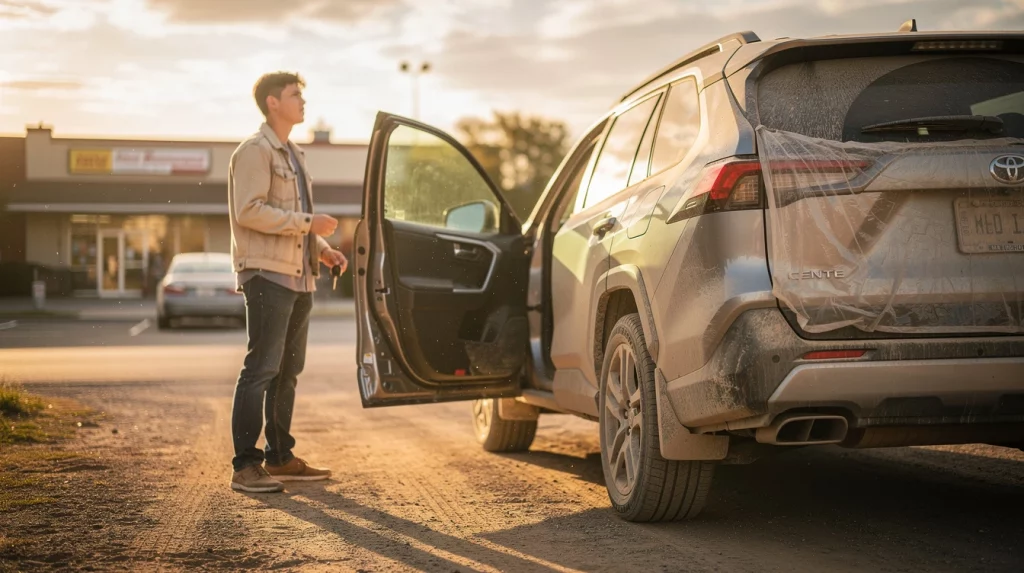
Military Appreciation Month Offer
To thank active-duty military members and veterans, Dirt Legal is offering a free temp tag for all customers plus an additional 5% discount for active-duty service members and veterans with valid military ID during Military Appreciation Month.
If you need help handling vehicle registration, temp tags, title paperwork, or complex DMV processes, Dirt Legal makes it simple from start to finish.
Get your free temp tag + discount code →
Temp tag 101 covers everything drivers need to know about temporary license plates, from how they work to what happens when one expires. If you just bought a vehicle, moved to a new state, or are waiting on paperwork from the DMV, a temporary tag is what keeps you street-legal while your permanent registration is processed. This guide explains the rules, costs, timelines, and common mistakes so you can stay compliant from day one.
Temporary plates are issued more often than most people realize. Dealerships hand them out on every new and used vehicle sale. Private sellers in many states also use them. And if you are registering a vehicle through a service like a Montana LLC vehicle registration, you will typically receive a temporary operating permit while your permanent title and plates are processed.
By the end of this guide, you will know exactly what a temp tag is, how long it lasts, what it costs, and what your options are when your registration takes longer than expected.
Military Appreciation Month: Free Temp Tag + 5% Military Discount
Get your free temp tag plus an additional 5% discount for active-duty military members and veterans with valid ID.
Dirt Legal makes temp tags, vehicle registration, and complex paperwork hassle-free from start to finish.
Get your free temp tag + discount code →
What Is a Temp Tag and How Do Temporary License Plates Work?
A temp tag, short for temporary license plate or temporary operating permit, is a paper or cardboard placard issued to a vehicle owner when permanent plates are not yet available. It is placed in the rear window or rear plate bracket and serves as proof that the vehicle is authorized to operate on public roads during the registration process.
Who Issues Temporary License Plates?
Temp tags are issued by several parties depending on your situation. Licensed dealerships issue them at the point of sale for new and used vehicles. State DMV offices issue them when you register a vehicle in person and plates are not immediately available. Vehicle registration services, including third-party providers, may issue a temporary operating permit while the official title and registration are being processed at the state level.
What Information Appears on a Temp Tag?
Most temporary plates display the expiration date, the issuing state, and sometimes the vehicle identification number or a transaction number. Some states print the registration number directly on the tag. The expiration date is the most critical piece, since driving with an expired temp tag is treated similarly to driving with expired plates in most states. If you want to cross-check vehicle details before or after a sale, a VIN check report can confirm the vehicle history and title status.
Paper Tags vs. Printed Temp Plates
Most temp tags are printed on cardstock or heavy paper at a dealership or DMV office. Some states have moved to printed adhesive labels or digitally tracked permits. The format varies by state, but the function is the same: the tag authorizes the vehicle to be driven while permanent registration is pending.
How Long Does a Temporary Tag Last?
The duration of a temp tag depends entirely on the issuing state. There is no federal standard. Most states set expiration periods between 30 and 90 days, but some go shorter and a few allow extensions. Knowing your state’s limit prevents accidental lapses that can result in fines or a fix-it ticket.
Ready to register your vehicle?
Join thousands of vehicle owners who use Dirt Legal to handle their registration quickly and hassle-free. Military Appreciation Month customers can also receive a free temp tag, plus eligible active-duty military members and veterans can receive an additional 5% discount with valid military ID.

Temp Tag Expiration by State: A General Overview
| State | Typical Temp Tag Duration | Extension Available? |
|---|---|---|
| California | 90 days | In limited circumstances |
| Texas | 30 days (dealer), up to 180 days (new resident) | Yes, with documentation |
| Florida | 30 days | No |
| Montana | Varies by permit type; typically 20-40 days | Consult your registration service |
| South Dakota | 60 days | Consult the SD DMV |
| New York | 30 days | No standard extension |
| Colorado | 60 days | Yes, one 60-day extension |
Always verify the exact timeline with your issuing dealer, DMV office, or registration service. Processing times can vary, and some states flag vehicles with expired temp tags in their law enforcement databases.
What Happens When a Temp Tag Expires?
Driving on an expired temporary plate is a traffic violation in most states. Officers can pull you over and issue a citation. In some states, the vehicle may be impounded if the registration process has not been started. The simplest fix is to contact your registration service or DMV before the tag expires and request an extension or confirm when your permanent plates will arrive.
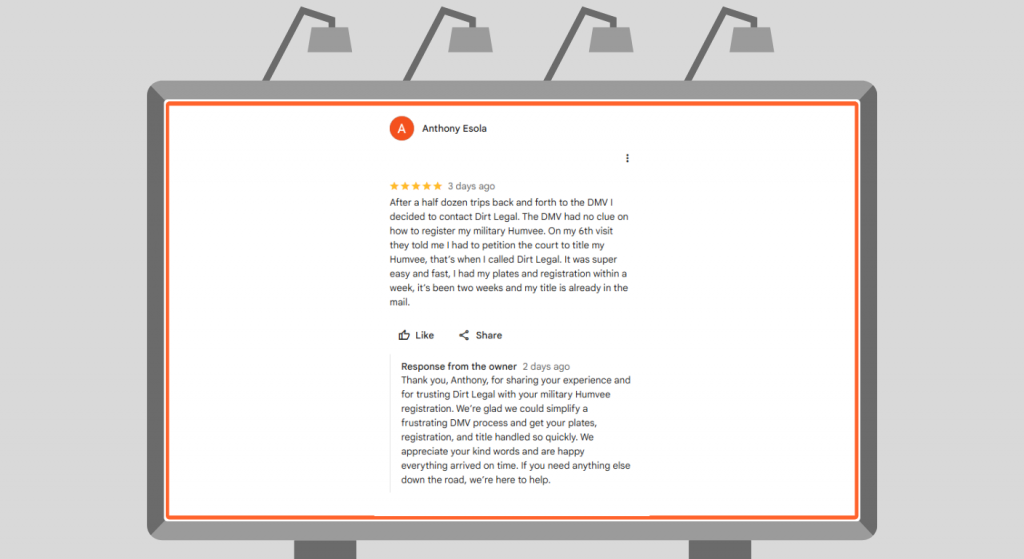
Real Customer Success Story
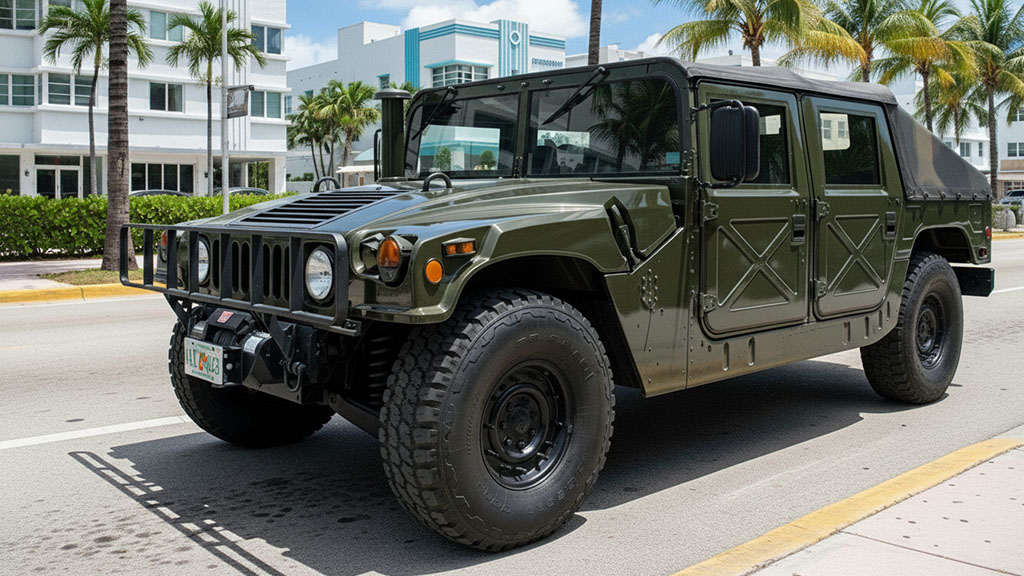
When the DMV could not figure out how to register his military Humvee after six visits, Anthony turned to Dirt Legal and had plates and registration within a week.
How Much Does a Temporary License Plate Cost?
Temp tag fees are generally low, but they vary by state and by who is issuing the tag. Understanding the cost structure helps you avoid surprises at the dealership or DMV counter. During Military Appreciation Month, Dirt Legal customers can receive a free temp tag as part of their registration process. Active-duty military members and veterans with valid ID are also eligible for an additional 5% discount.
Dealer-Issued Temp Tag Fees
Dealerships typically include the cost of a temporary plate in the documentation or dealer fees at closing. In many states, dealers pay a flat fee per tag, typically ranging from $5 to $20, and may or may not pass that directly to the buyer as a line item. If you see a separate temp tag fee on your purchase agreement, that is normal and expected.
DMV and Third-Party Registration Service Fees
If you register a vehicle directly through a state DMV or a service like Dirt Legal, the temporary operating permit fee is typically included in the total registration cost. For Montana LLC registrations, for example, the temporary permit is issued while the state processes the title. You can review registration costs and what is included when you register your vehicle through our service.
Are There Fees for Replacing a Lost Temp Tag?
Yes, in most cases. If your paper tag is stolen, damaged, or lost, you will need to contact the issuing dealer or DMV to get a replacement. Some states charge a nominal replacement fee. Documentation proving the original issue date is typically required. Acting quickly is important since you cannot drive without a valid plate or permit displayed.
Temporary Tags and Out-of-State Vehicle Purchases
Buying a vehicle from another state adds a layer of complexity to the temp tag process.
Can You Drive Across State Lines on a Temp Tag?
Yes, in most cases. A temp tag issued by the selling state is generally recognized by other states during the valid period. However, this is not universally guaranteed. If you are traveling through multiple states after a purchase, confirm that the tag is visible, not expired, and matches the vehicle being driven. Law enforcement in any state can verify tag details.
What If You Buy a Vehicle From a Private Seller Out of State?
Private sellers typically cannot issue temp tags. You will need to contact your home state’s DMV or a registration service to obtain a transit permit or temporary operating authority before driving the vehicle home. Some states allow you to apply online. Others require an in-person visit. Planning this before the purchase is far easier than scrambling after you have signed the bill of sale.
If you are considering a Montana LLC registration to avoid sales tax on a high-value vehicle purchase, the process includes a temporary operating permit so you can drive while the Montana title is processed. Learn more about Montana RV registration if you are bringing a recreational vehicle into the process, or check how the process works for other vehicle types at Dirt Legal.
Manufacturer certificate of origin and New Vehicles
For brand-new vehicles, the title process starts with the Manufacturer Certificate of Origin, or MCO. The dealer uses this document to apply for a title in your name. Until that title is issued, you are operating on a temp tag. Understanding what the MCO is and how it feeds into the title process can help you track where your registration stands. A detailed breakdown is available in our guide to the manufacturer certificate of origin, which covers what the document is, why it matters, and what happens to it during the titling process.
Avoiding Common Temp Tag Problems
Most temp tag issues are preventable. The problems that do come up tend to fall into a few predictable categories. Knowing them in advance puts you ahead of most drivers.
Expired Tags Due to Registration Delays
DMV processing times can stretch longer than the temp tag’s validity period, especially during high-volume periods or when there are documentation issues. If your permanent plates have not arrived before your tag expires, contact your registration service or DMV immediately. Many states will issue an extension if you can show the registration is actively being processed. Do not wait until the day before expiration to ask.
Tags That Are Damaged or Not Visible
A temp tag placed face-down, covered by a tinted window, or so faded it cannot be read is a traffic stop waiting to happen. Mount the tag clearly in the rear window or the plate bracket, facing outward, and protect it from rain if possible. Some drivers use a plastic sleeve or small frame to keep paper tags intact during rainy weather.
Fraudulent Temp Tags
Fraudulent or altered temp tags are a growing issue in some metro areas. Tampered expiration dates or photocopied tags can result in serious legal consequences. Always get your temp tag from a licensed dealer, your state’s DMV, or an authorized registration service. If a private seller offers you a temp tag that looks unofficial, decline it and arrange proper transit documentation through official channels instead.
Need a Temp Tag Without the DMV Headache?
Dirt Legal helps drivers handle temp tags, registration paperwork, title processing, and multi-state vehicle registration without the usual confusion.
For Military Appreciation Month, all customers can receive a free temp tag, and active-duty military members and veterans can receive an additional 5% discount with valid military ID.
Get your free temp tag + discount code →
.
Frequently Asked Questions About Temporary License Plates
How long is a temp tag valid?
Most temporary license plates are valid for 30 to 90 days depending on the issuing state. Texas allows up to 180 days for new residents, while Florida limits dealer-issued tags to 30 days. Always check the expiration date printed on your specific tag and contact your DMV or registration service if your permanent plates have not arrived before it expires.
Can I get a temp tag extension?
Some states allow one extension if the registration is still being processed and you can provide documentation. California, Colorado, and Texas have extension processes in certain circumstances. Other states like Florida do not offer standard extensions. Contact the issuing dealer or your state DMV before the tag expires to ask about your options. A registration service may be able to issue an additional permit if the delay is on their end.
Is it illegal to drive with an expired temp tag?
Yes. Driving on an expired temporary plate is a violation in all 50 states. Consequences range from a fix-it ticket to a moving violation fine. In some states, the vehicle can be impounded if it has no valid registration or plate. Address an expiring tag proactively rather than waiting for a traffic stop to force the issue.
Can a private seller give me a temp tag?
In most states, private sellers cannot issue temporary license plates. Only licensed dealers and state DMV offices have that authority. If you are buying from a private party, you will need to obtain a temporary transit permit from your state DMV before driving the vehicle. Some states offer same-day temporary permits online, while others require an in-person visit.
What do I do if my temp tag is stolen or damaged?
Contact the dealer or DMV that issued the original tag as soon as possible. Bring your bill of sale, registration paperwork, or any documentation showing your purchase date. Most states will issue a replacement for a nominal fee. Do not drive the vehicle without a valid tag displayed, as that exposes you to a traffic stop even if your registration is actively being processed.
Can I use a temp tag to cross state lines?
Yes, in most cases a valid temporary tag from the selling state is recognized by other states during the tag’s validity period. The tag must be clearly visible and not expired. If you are making a long trip through multiple states after a vehicle purchase, confirm your tag is properly displayed and that your bill of sale is in the vehicle as a backup document showing your purchase date and registration status.
Do temp tags show up in law enforcement databases?
Many states have moved to digital tracking of temporary plates, meaning law enforcement can run your tag number and see that a valid permit has been issued and when it expires. States with fully digital dealer systems can flag expired tags automatically. This is another reason to stay current and proactive about your registration timeline rather than assuming a paper tag is unverifiable.
What happens to my temp tag after permanent plates arrive?
Once your permanent plates are mounted, the temp tag is no longer needed and should be removed. There is no formal surrender process in most states. Keep your registration card in the vehicle and mount the permanent plates according to your state’s requirements. Some states require a front plate in addition to the rear plate, so confirm the rules for your state before mounting.
Get Your Registration Right the First Time
Temporary license plates exist to bridge the gap between buying a vehicle and receiving your permanent registration. They are a normal part of the process, but they do come with real expiration dates and real consequences if ignored. Knowing your state’s temp tag rules, tracking your expiration date, and working with a reliable registration service keeps you covered throughout the process.
If you are registering a vehicle through a Montana LLC to avoid sales tax and emissions requirements, or working through a South Dakota residency registration, Dirt Legal handles the paperwork and issues the operating permits so you are covered from day one. As part of Military Appreciation Month, Dirt Legal is also offering a free temp tag for customers, plus an additional 5% discount for active-duty military members and veterans with valid ID. Our process is straightforward, with no surprise fees and a clear timeline from start to finish. You can also read about how our Montana LLC registered agent service works as part of the full registration setup.
From temp tag basics to permanent title and plates, the Dirt Legal team has processed registrations across every vehicle type nationwide. Whether you are registering a car, truck, RV, motorcycle, or off-road vehicle, the process starts with a simple question: what do you drive? Answer that, and we take it from there.